
All drives
eject.
Safe ejection from your menu bar.
By click, shortcut, or fully automatic.
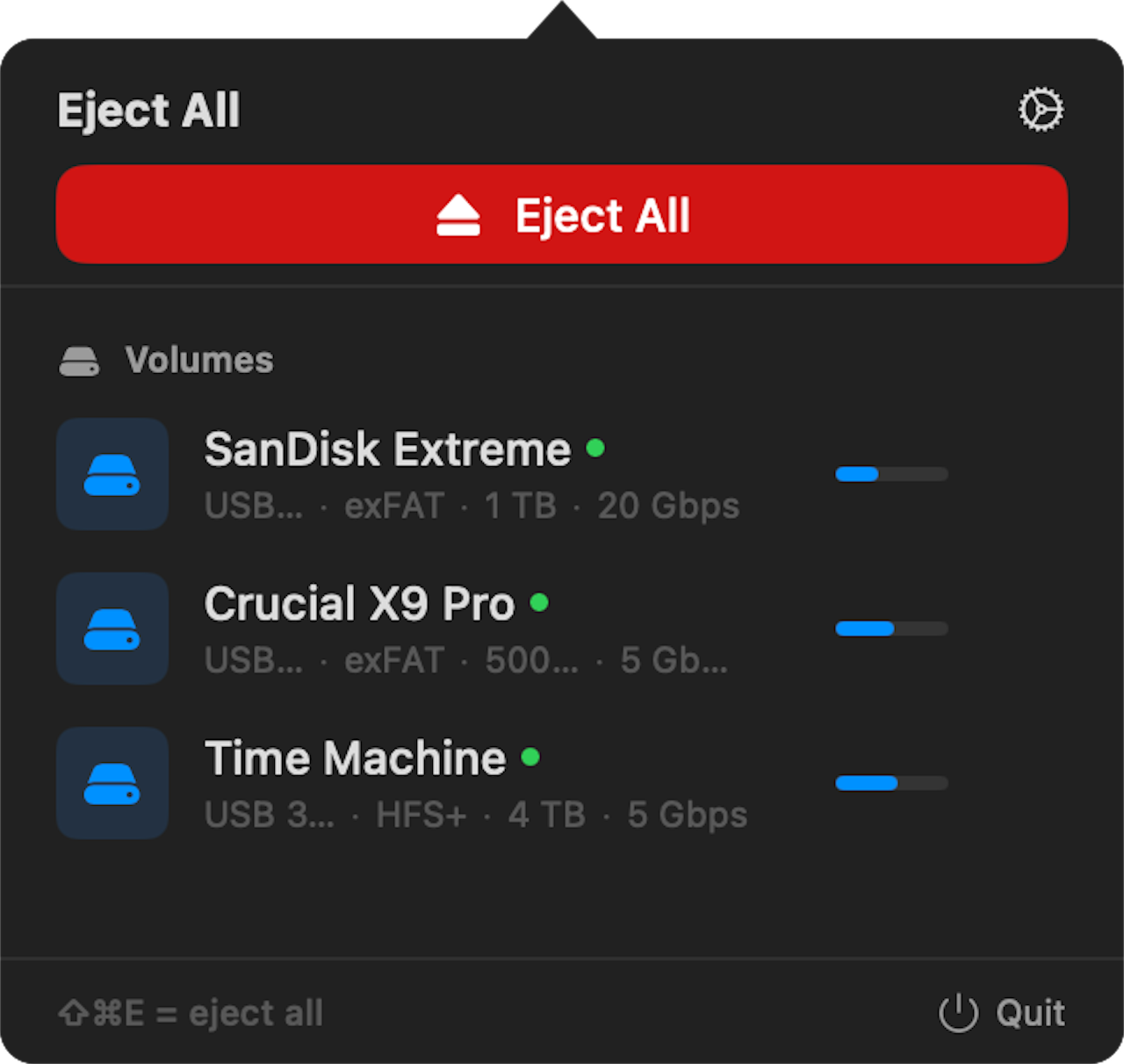
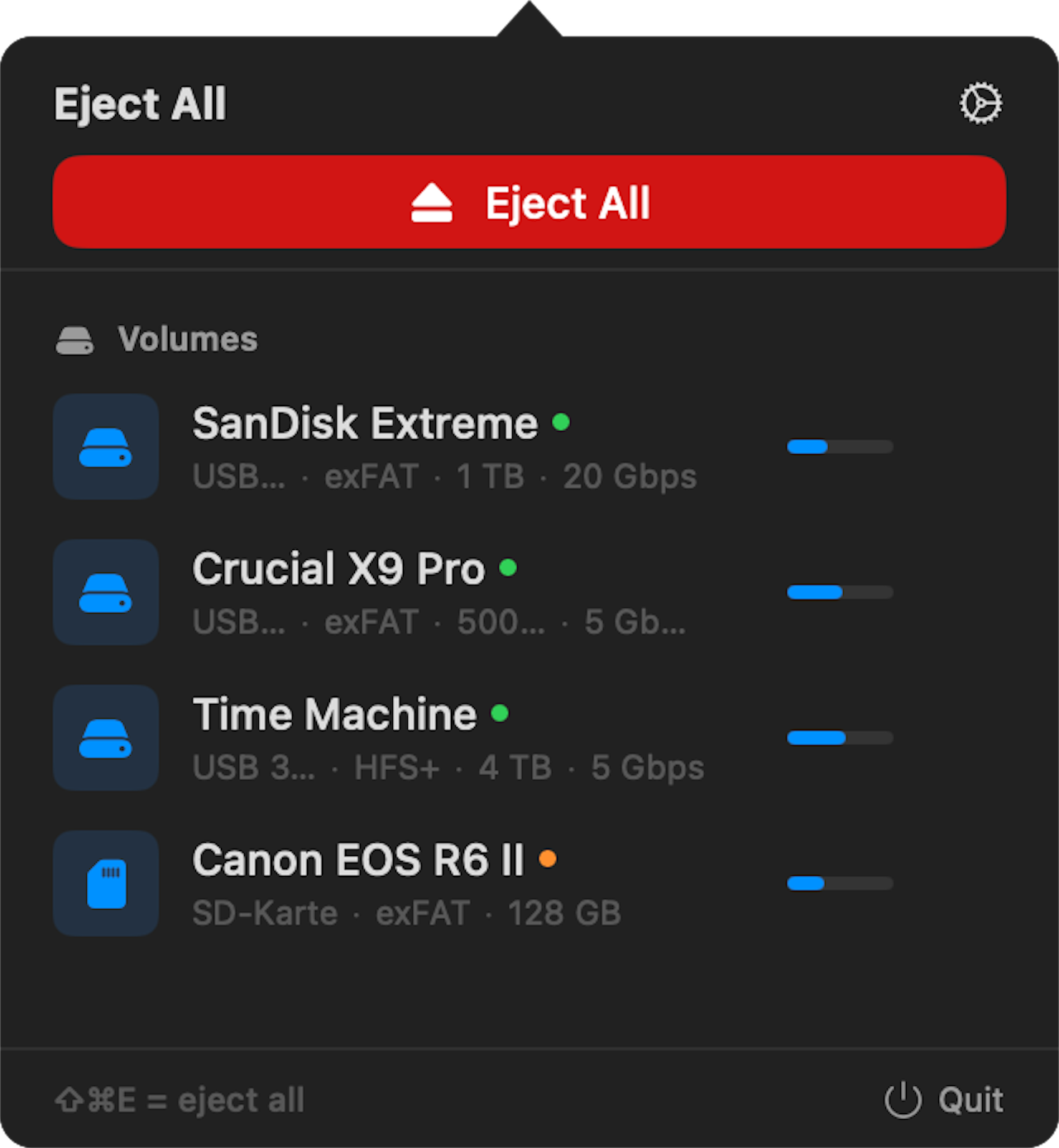
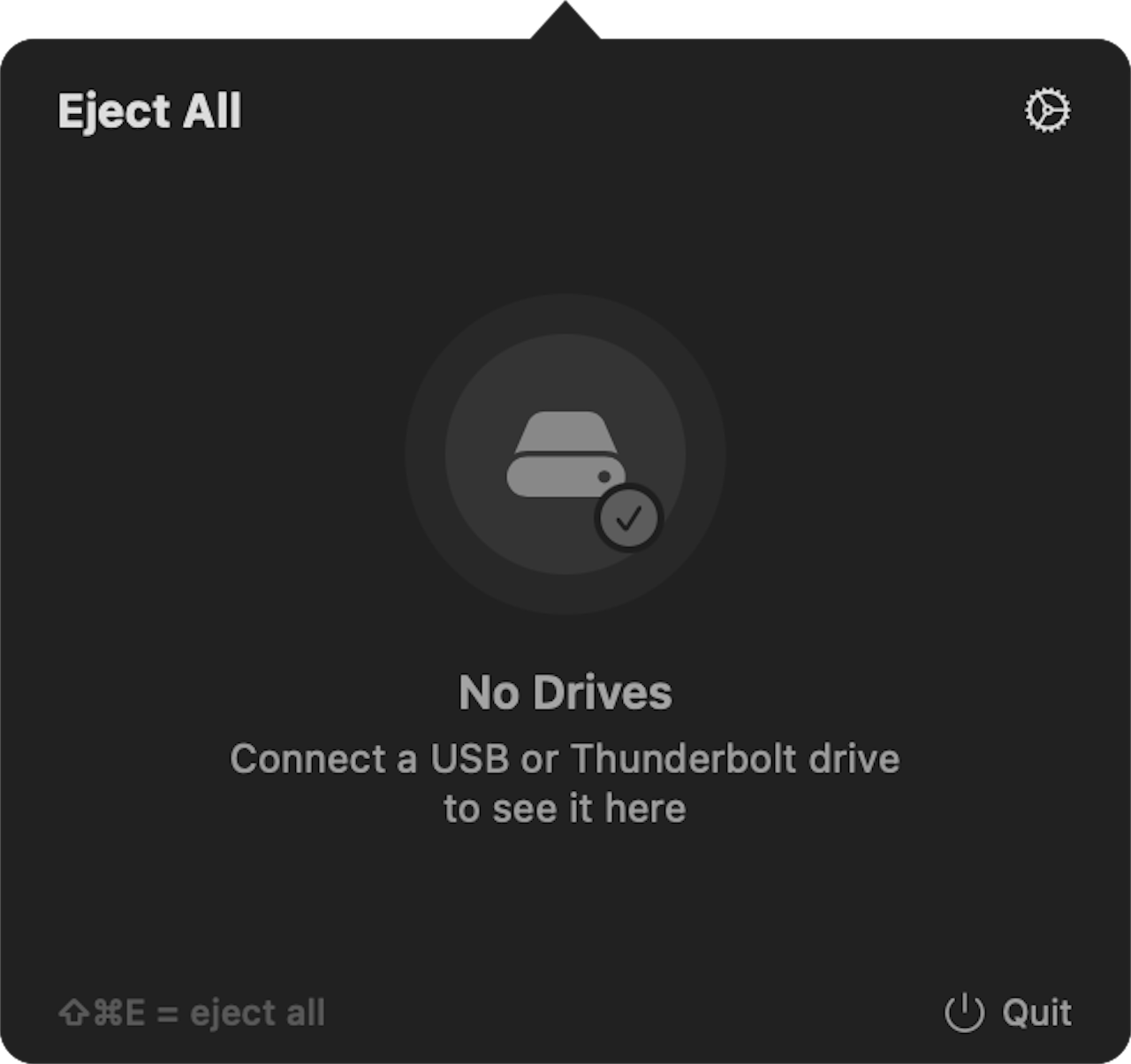
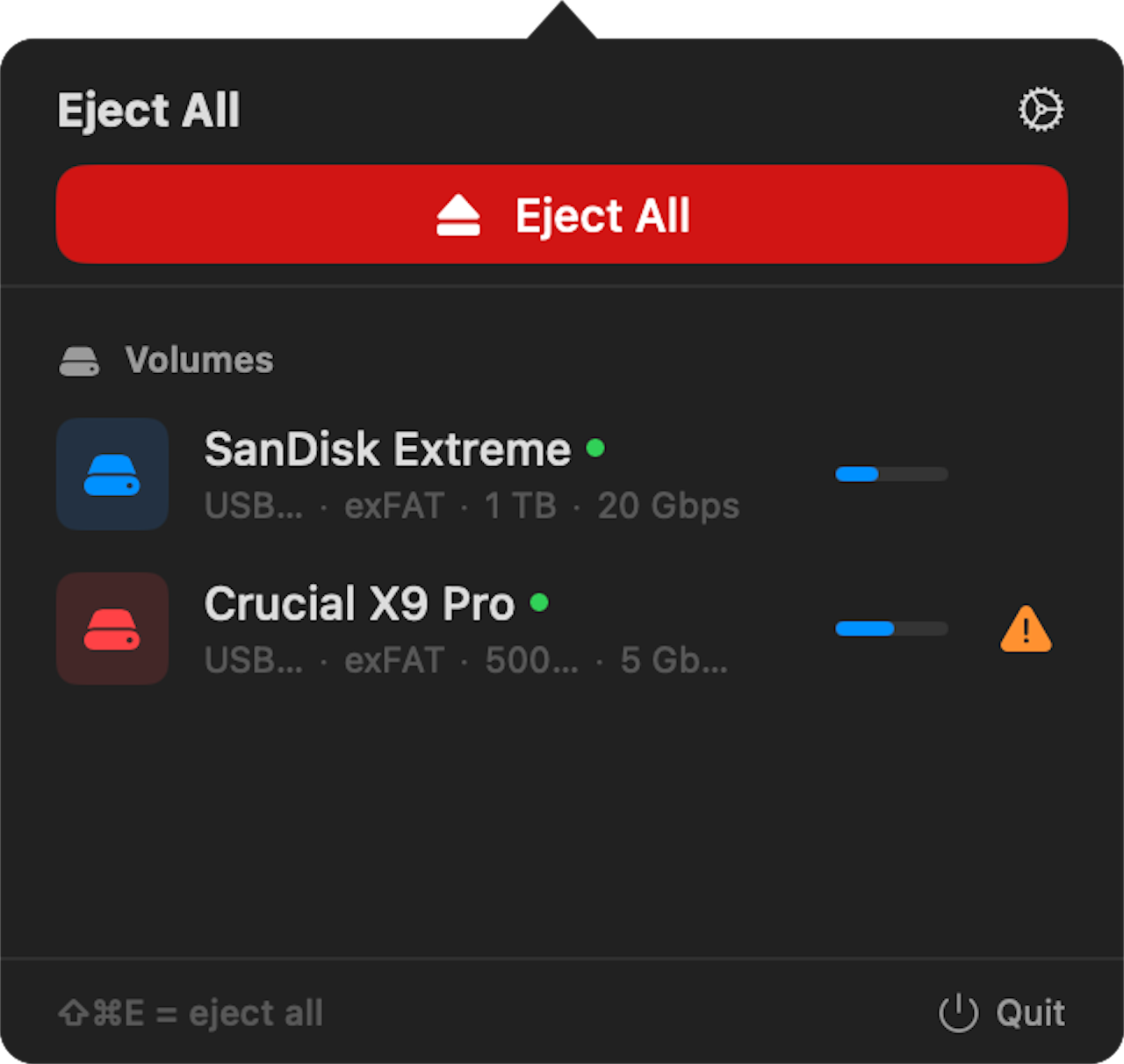
Click or shortcut.
Your call.
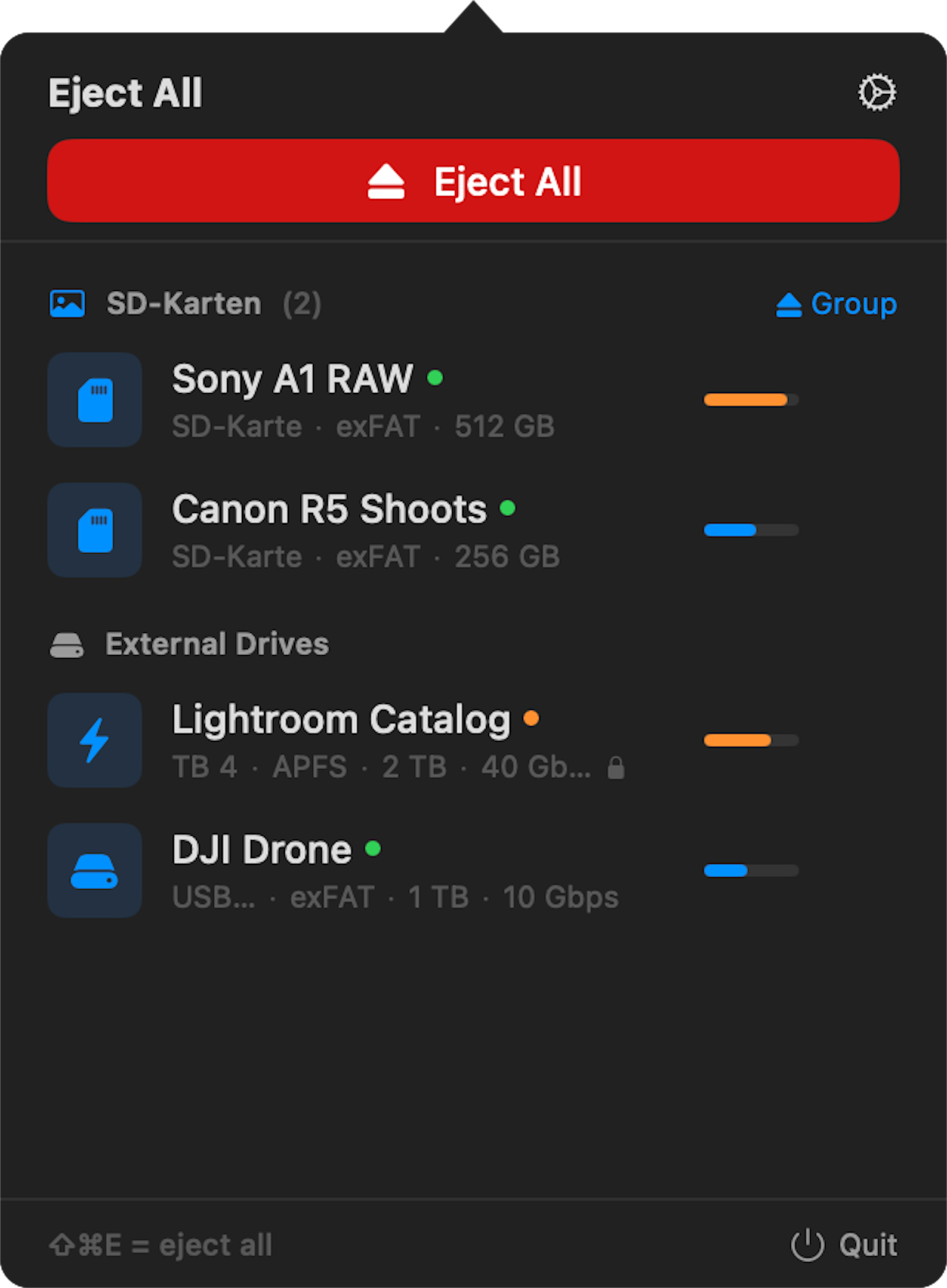
One click on "Eject All" in the menu bar — or ⌘⇧E on your keyboard. Both ways, same result: all drives safely ejected in under a second. You can also set custom shortcuts per group — ⌘⇧B for your edit bay, ⌘⇧C for your camera cards.
Your drives.
Your structure.
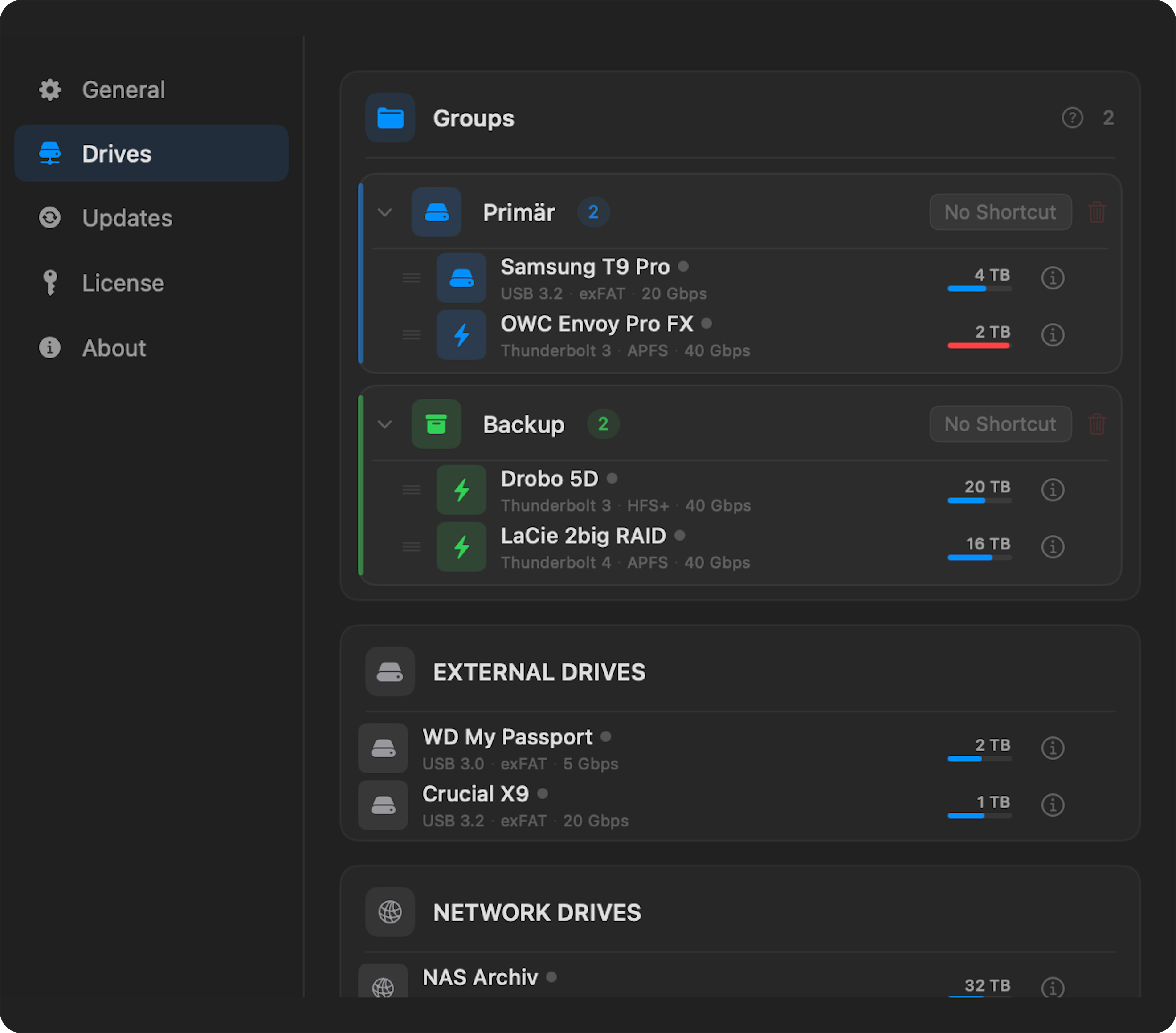
Drag drives into groups — "Edit Bay" for your SSDs, "Camera" for your cards. Each group gets its own color, icon, and shortcut. Eject an entire group at once instead of each drive individually.
7 colors + custom hex · 16 icons · Per-group shortcuts · Drag & drop
Close the lid.
EjectALL handles the rest.
When your Mac sleeps, macOS cuts power to USB ports — and your drives get unsafely disconnected. EjectALL ejects them cleanly before that happens. When you wake up, they reconnect automatically. Encrypted drives? They unlock on their own — no password prompt.
Eject Triggers
Choose when EjectALL ejects. Each trigger can be toggled independently.
Smart Remount
Open the lid — drives reconnect automatically after a short delay.
Your dashboard.
Right on the desktop.
Place widgets on your desktop — as an overview of all drives or filtered by group. Eject a single drive, a group, or everything directly from the widget. Different sizes, different filters, fully customizable.
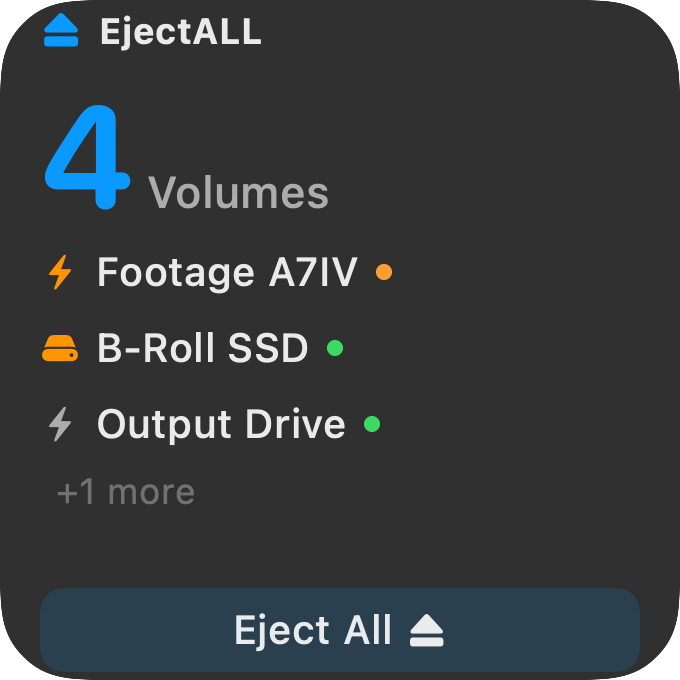
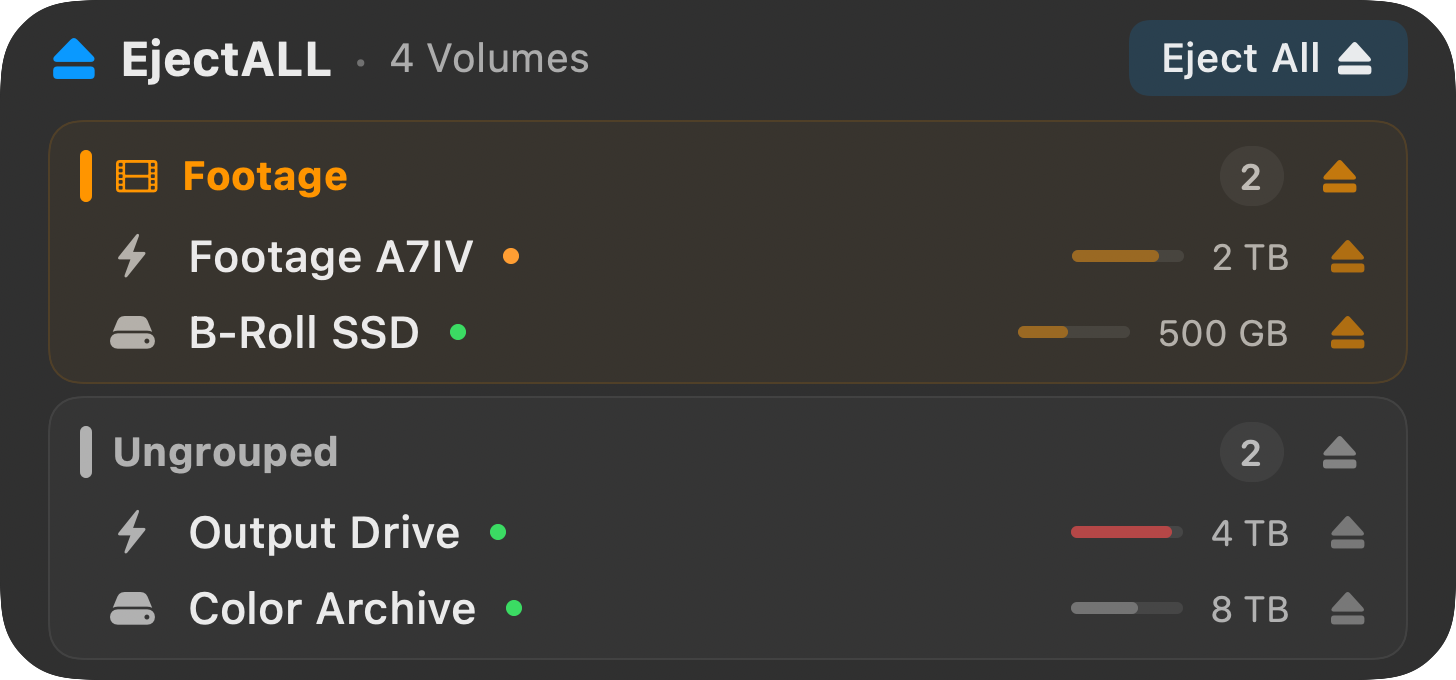
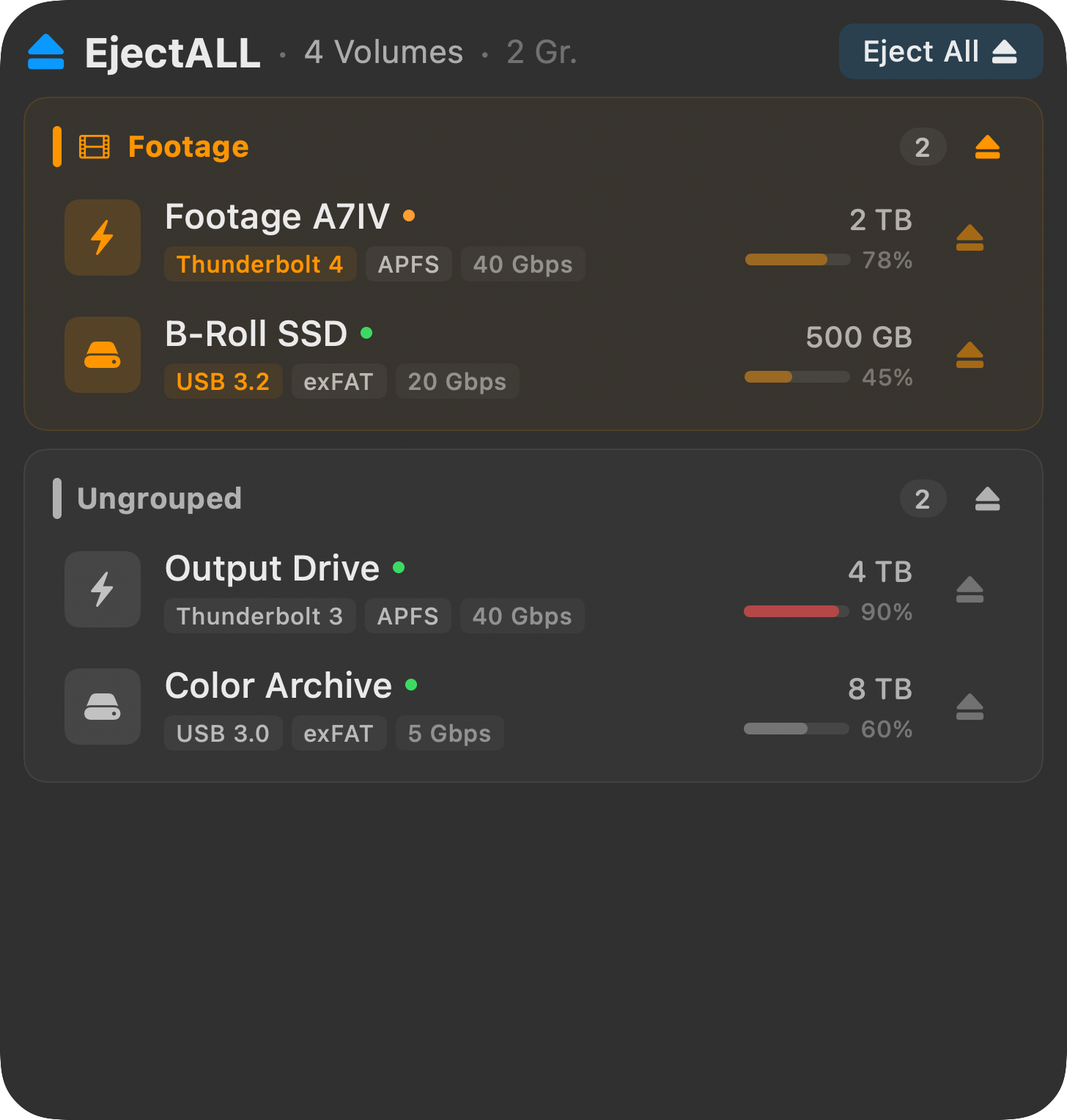
Small · Medium · Large — Filter by group or show all · Eject directly from the widget
What else is built in.
Everything you need to manage your drives — built right in.
Global Hotkeys
Custom shortcuts for all or per group. Works from any app.
Drive Details
Storage, type, speed, filesystem, encryption, connection time — per drive.
Siri Shortcuts
7 actions. Automate via Focus modes, location, or Shortcuts app.
Process Finder
Shows which app blocks eject. Force-eject when needed.
Activity Status
Green means available, orange means busy, gray means unknown — at a glance.
Sound Alerts
System sounds for connect, eject, and unsafe removal. You hear what happens.
Network Drives
SMB, AFP, NFS — managed alongside USB and Thunderbolt.
Unmount-Only
Eject without disconnecting. Remount instantly, no re-plug.
Install. Set up. Runs.
Install
Open DMG, drag to Applications. Lives in the menu bar, not the Dock.
Set up
The onboarding walks you through triggers, sounds, and shortcuts. Under a minute.
Runs
From now on EjectALL runs in the background. You'll only notice it when you need it.
One price. Everything included.
No subscription. No in-app purchases. Just the app.
Questions
Everything you need to know — in one place.
Still here?Then grab it already.
A döner costs more. And it's gone in 10 minutes.
EjectALL stays forever.